It is very possible that the choice of the device to work with can significantly influence your daily performance. Be it working at home, operating an office, or running a small business, your laptop or desktop turns out to be the backbone of whatever you are doing. Remotiq Assist assists users in making smart buying choices with all that is aimed at performance, comfort, and long-term value. This list makes it easier to understand what is truly important in deciding on what to buy, in case you want a laptop or desktop to meet your work requirements.
Knowing your daily tasks and the amount of work will help you make the correct choice in terms of the device. It is not only important to consider the brand or price; it is more appropriate to consider the inner features that influence the performance and overall user experience.
The smoothness of your device with multitasking and heavy applications depends on your processor (CPU) in handling them. When working in the office, creating content, or doing some other technical work, one can quickly make a decision in favor of a laptop or a desktop computer that has a processor of the latest generation that provides high responsiveness and stability. Desktops are normally more powerful and priced lower, whereas laptops are convenient and mobile.
Random Access Memory (RAM) is an important factor in the processing of various tabs and applications simultaneously. To use it in daily activities such as browsing, emails, documents, and video calls, 8GB RAM is the least. Nevertheless, 16GB is better for driving the smooth performance. The ease of upgrading a desktop is also possible, whereas most laptops are now available in heavy workload configurations.
The HDD or SSD storage option influences the speed at which a device boots up, loads applications, and stores files. Solid State Drives (SSDs) are far quicker and more efficient. Regardless of whether you buy a laptop or a desktop, selecting an SSD is much better in speed and overall efficiency. The hybrid storage of additional storage space is also provided in many devices when necessary.
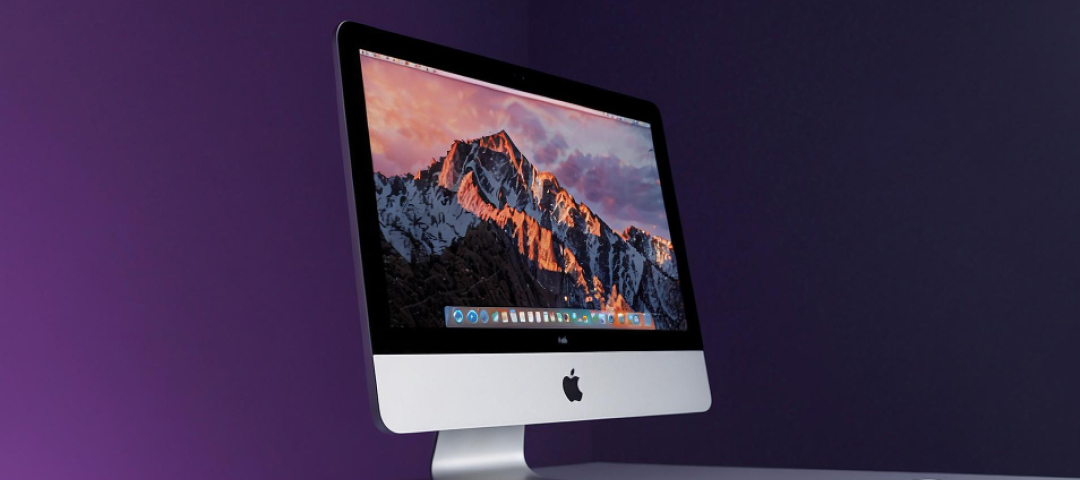
A laptop would be the most suitable choice in case of portability or flexibility. They are battery-operated and can be used remotely, and are lightweight. Desktops, on the other hand, have better power, upgrade ability, and increased display. A desktop can be considered a more long-term investment in case of heavy software use, long working hours, or office work.
The resolution and the screen size are important to your everyday comfort, particularly when your job is based on long working hours, reading, writing, or designing. Laptops typically have a 13-17-inch display, whereas desktops are available up to 22 inches or more. A brighter, sharper screen will save you the strain on your eyes, and overall workflow will be enhanced.
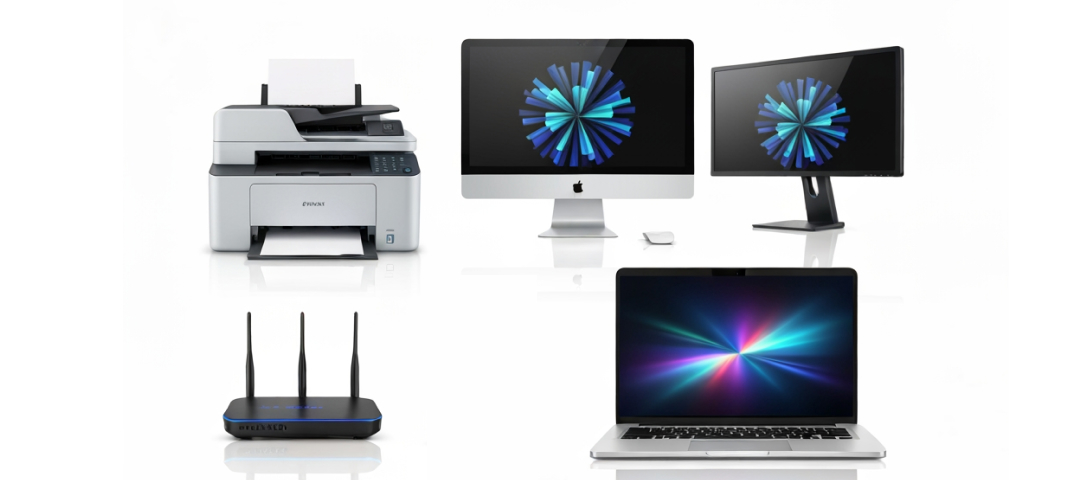
You can think about the ports that you require: USB-C, HDMI, Ethernet, or SD card ports. The availability of adapters may be necessary in laptops with few ports, and desktops are naturally provided with more connections. Powerful WiFi and Bluetooth options are also mandatory in contemporary workplaces.
The optimal work machine will be based on your daily life, working requirements, and workstation. Desktops have more power and last longer at the expense of laptops, which have flexibility. Given that you are concerned about the performance, comfort, storage, and connectivity, it is safe to make a decision and enhance your productivity. In Remotiq Assist, we show users the correct tools that can help them work smarter rather than work harder.




Full Copyright © Design By Remotiq Assist - 2025